Time awareness for real focus

A focus timer for ADHD time blindness.

Start when you need to focus. Get focus reminders when you've disappeared too deep. Block the apps that hijack your attention.

A flexible ADHD focus timer, hyperfocus timer, time tracker, and Pomodoro alternative for work, study, and intentional breaks.

Download on the App Store Get it on Google Play
Time awarenessKeep session time visible.
Flexible boundariesStop, continue, or switch.
Focus remindersShow time while you work.
App blockingReduce attention hijacking.

Tap phone to try timer

From the app stores

Loved by Flowtime users.

“Nice to the point app! Does it job quietly and effectively. Please keep on updating”
Dr. Rahul MishraFive-star review
Google Play
“This beautiful well designed app from an indie dev… Totally worth it in my opinion.”
Mrs.changhuaFive-star review
App Store
“it is a nice app to me, easy to use”
zhangddarlingFive-star review
App Store
“A good time tracker app”
John neoFive-star review
Google Play
“Top! braucht keine unnötigen Konto/Login Daten und macht genau was es soll. Sehr empfehlenswert!”
Fabio CFive-star review
Google Play
“Overall, I’m enjoying Flowtime for what it sets out to do (hence the five star rating).”
irishchad67Five-star review
App Store
“Super Zeit-tracker! Genial!!”
Carina SüssFive-star review
App Store

Swipe to read more reviews →

Product facts

What is Flowtime?

Flowtime is an ADHD focus timer for time blindness, hyperfocus, Pomodoro, focus reminders, project time tracking, and optional app blocking on iPhone and Android. It combines Flow Sessions, Pomodoro, focus reminders, personal time tracking, and optional app blocking in one focused app.

Learn how Flowtime works.

Focus modes

What focus modes does Flowtime support?

Flowtime supports four distinct focus tracking modes tailored for work, study, ADHD time awareness, hyperfocus check-ins, and intentional breaks.

Why standard timers fail

Why do traditional focus timers fail for ADHD?

Flowtime is built for the ordinary moments when ADHD time blindness, hyperfocus, rigid Pomodoro intervals, or phone distractions make focused time hard to feel.

What is ADHD time blindness?

You start one task and suddenly hours have passed. A visible ADHD timer and focus reminders make passing time easier to notice.

How does hyperfocus affect focus timing?

Getting focused is not always the problem. Sometimes stopping is. Flow Sessions work like a hyperfocus timer, creating flexible boundaries without forcing a break at the wrong moment.

How does app blocking prevent attention hijacking?

One notification becomes twenty minutes of unrelated scrolling. App blocking helps protect intentional focus periods and reduce context switching.

Why are rigid Pomodoro timers hard to maintain?

Pomodoro can help, but a fixed interval can interrupt your best work. Flowtime supports Pomodoro and a flexible Pomodoro alternative for longer focus sessions.

Why Flowtime exists

Why was Flowtime created?

I have ADHD, and during intense hyperfocus I can spend weeks mentally stuck on work, features, UI details, or whatever my brain has decided matters. Even when I stop working physically, my brain often keeps going.

Flowtime began as a way to focus longer. Over time, it also became a way to unfocus on purpose. Sometimes I start a one-hour FlowSession, block distracting apps, and go for a walk with my dog. Knowing the timer is running and the usual apps are unavailable makes it easier to be present instead of repeatedly checking my phone or thinking about work.

Kovu looking up during a walk

Distraction control

Block distractions without giving up control.

Flowtime helps reduce distractions by temporarily blocking selected apps during a focus session. Instead of relying on willpower alone, you decide in advance which apps should be unavailable while you work.

If you genuinely need access to a blocked app, you can always choose to override the block intentionally—adding a small moment of awareness before switching tasks. This approach helps reduce impulsive distractions while keeping you in control.

Interrupting the Autopilot: Making Conscious Decisions When Blocking Apps
Flowtime App Shielding settings with selected apps, intentional breaks, and blocking statistics Selecting social and messaging apps to block during Flowtime focus sessions

History & Reports

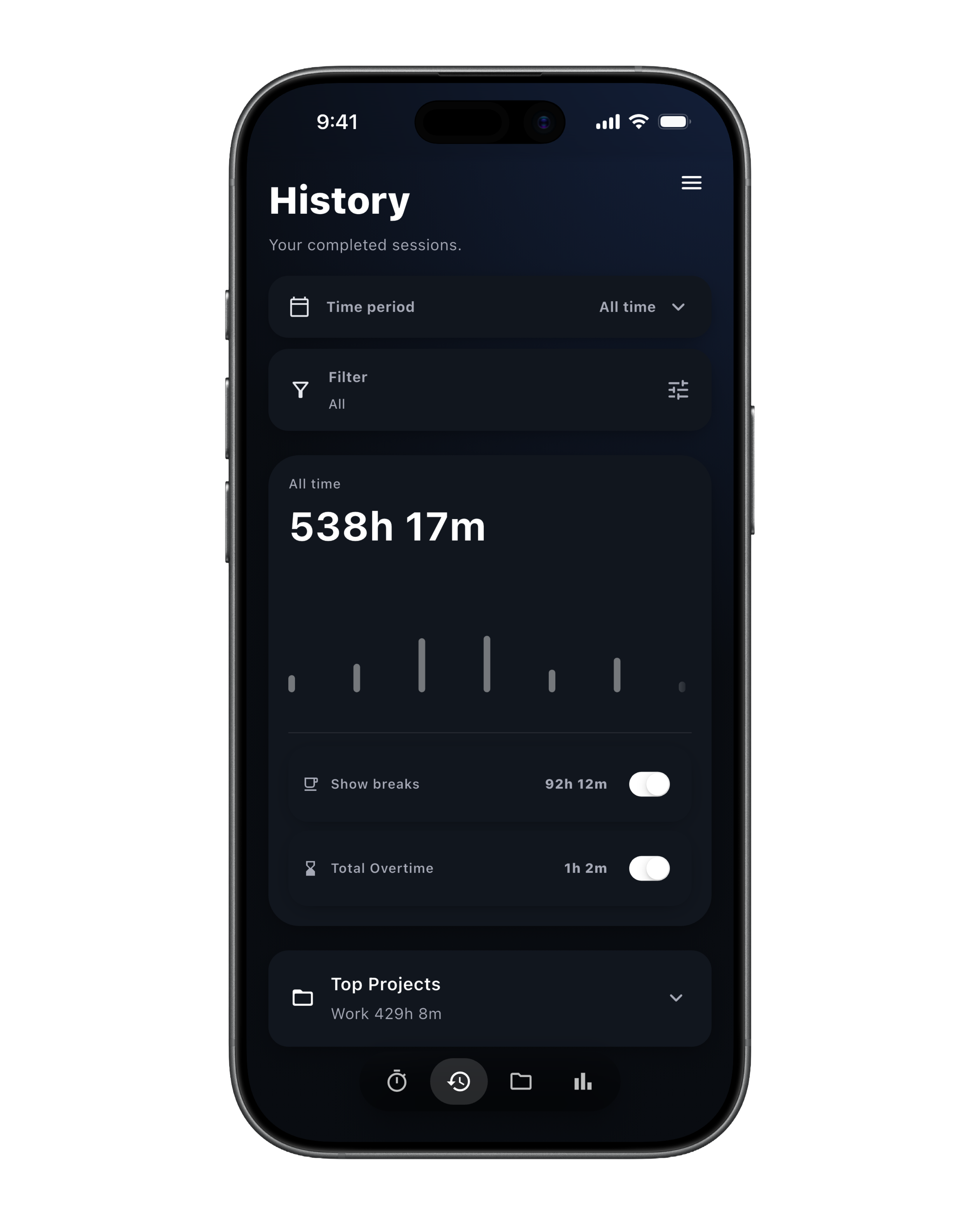
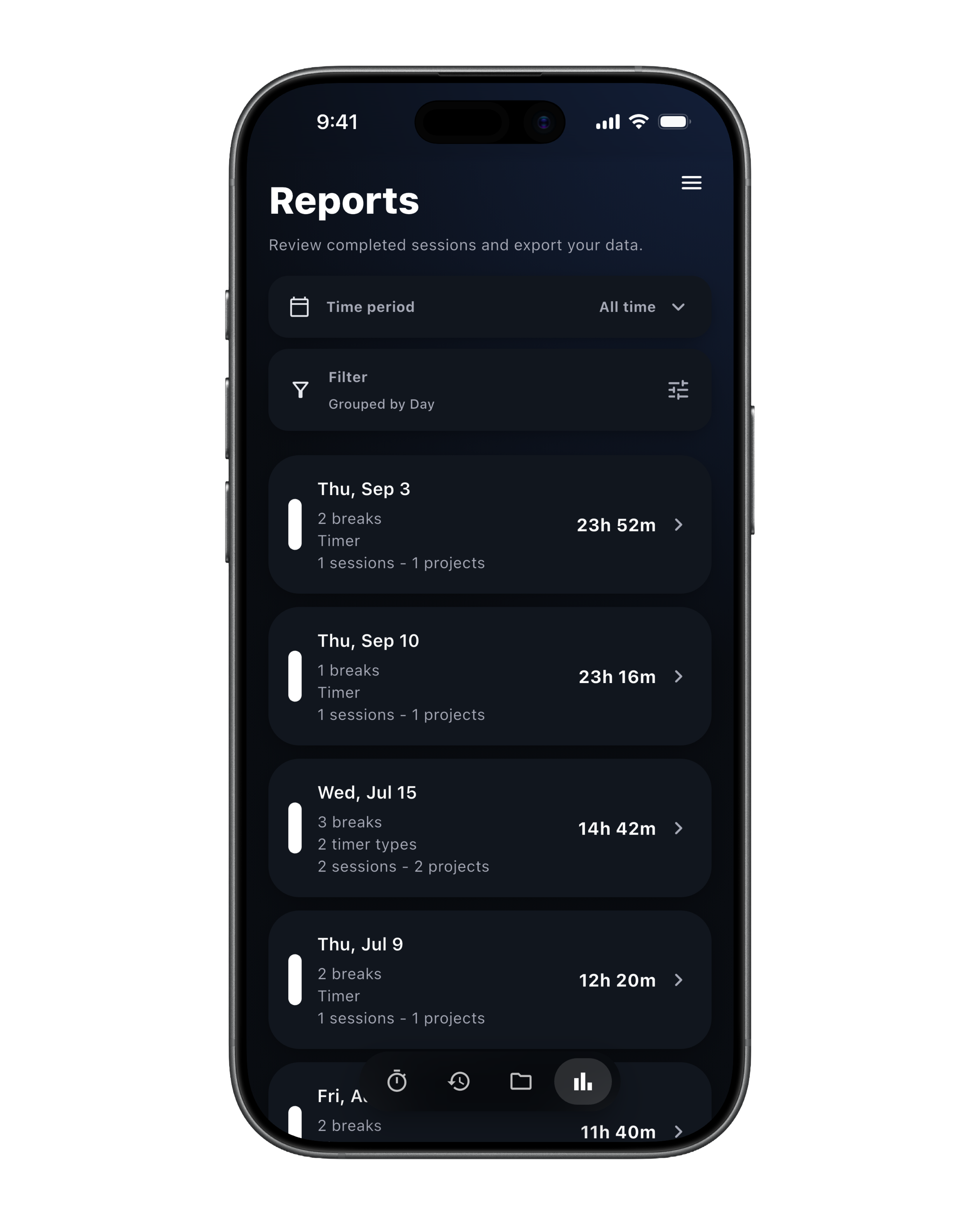
How do Flowtime reports help track focus?

Flowtime provides visual time breakdown charts by project, timer mode, and custom time ranges.

Pricing

Free vs. Pro

Flowtime offers a comprehensive Free tier with essential timers and optional Pro upgrades for unlimited customization and analytics.

Free

What is included in Flowtime Free?

  • Standard timer, Flow Session, and Pomodoro
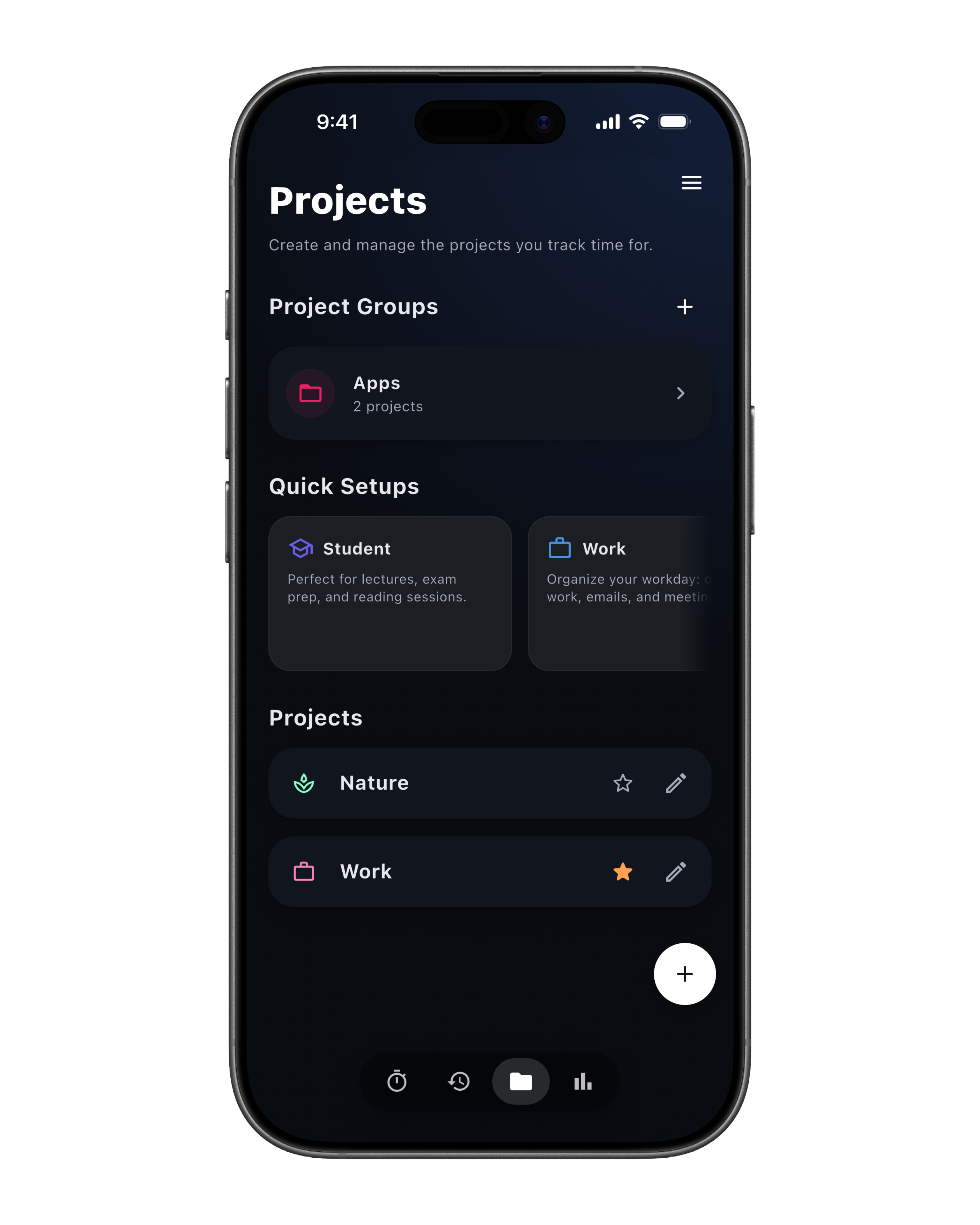
  • 2 projects
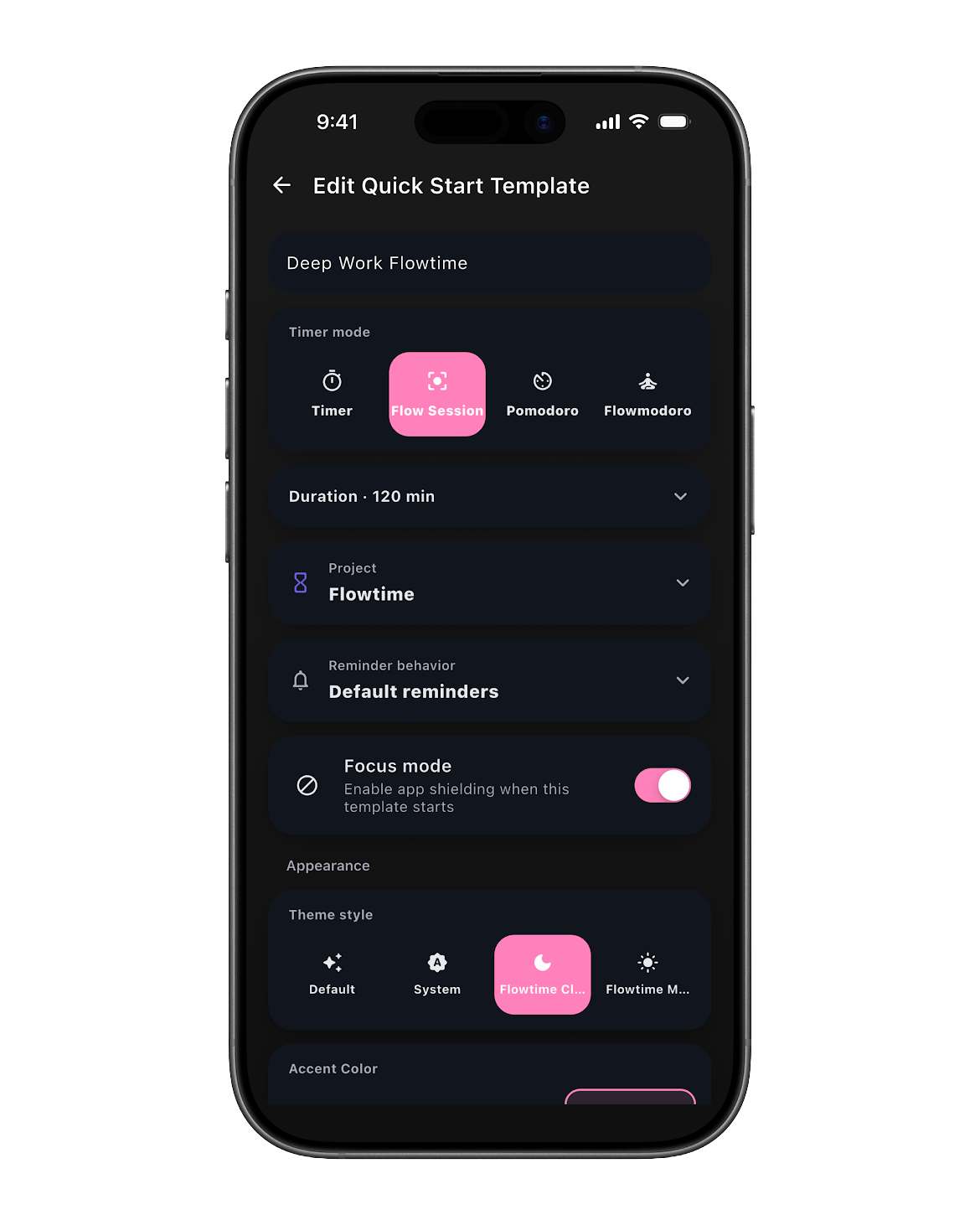
  • 2 Quick Start templates
  • Standard timer reminders and check-ins
  • Flow Session target duration and basic end reminder
  • Default Pomodoro preset
  • Manual project selection
  • Basic theme and timer appearance settings
  • Focus shielding and app blocking
Classic Timer in Flowtime
Pro

What features are in Flowtime Pro?

  • Unlimited projects
  • Unlimited Quick Start templates
  • Start Quick Start templates directly from the timer
  • Quick Start on app launch
  • Up to 6 pinned Quick Start templates
  • Custom reminder profiles
  • Custom intervals, reminder text, and sounds
  • Advanced Pomodoro controls
  • Break tracking
  • Analytics
  • Timer ring color customization
Flowtime reports

FAQ

Frequently Asked Questions about Flowtime

What is Flowtime?

Flowtime is an ADHD focus timer for time blindness, hyperfocus, Pomodoro, focus reminders, project time tracking, and optional app blocking on iPhone and Android. It supports flexible focus sessions, a standard timer, Pomodoro, focus reminders, optional app blocking, personal time tracking, projects, session history, and reports.

Who is Flowtime for?

Flowtime is for people who want to make focused time visible without managing a heavy workspace. It is designed especially around ADHD time blindness, hyperfocus, and reducing distracting context switches.

Is Flowtime good for ADHD?

Flowtime can help people who benefit from external time cues, focus reminders, visible sessions, and low-friction project switching. It is not a medical tool, diagnostic tool, or ADHD treatment.

How is Flowtime different from Pomodoro?

Pomodoro is one structured interval method. Flowtime includes Pomodoro, but also works as a flexible Pomodoro alternative with open-ended Flow Sessions, target duration, standard time tracking, project selection, reminders, and reviewable focus history.

How is Flowtime different from Forest, Toggl, or Session?

Flowtime focuses on simple personal focus tracking without account-heavy setup. It is available for iPhone and Android and is designed around flexible sessions rather than only fixed intervals.

Is Flowtime free?

Yes. Free includes the standard timer, Flow Session, Pomodoro, 2 projects, and 2 Quick Start templates. Pro is available for $3.99/month, $24.99/year, or $49.99 lifetime to unlock unlimited projects, templates, custom reminders, advanced Pomodoro, and analytics.

What platforms does Flowtime support?

Flowtime is available for iPhone and Android. The web experience is designed to match the app with the same simple, minimal design language.

How many languages does Flowtime support?

Flowtime currently supports 10 languages: English, German, Spanish, French, Italian, Japanese, Korean, Dutch, Polish, and Portuguese.

What is a Flow Session?

Flow Sessions let you set a target duration without rigid intervals. They are designed for focused, flexible work sessions.

Does Flowtime use the Pomodoro technique?

Yes. Free includes the classic 25 / 5 Pomodoro pattern, while Pro adds advanced Pomodoro settings.

Is my data private?

No account is required. The privacy policy states that timer and project data are stored locally on your device and are not sent to Flowtime servers.

What does Flowtime Pro include?

Flowtime Pro is available for $3.99/month, $24.99/year, or $49.99 lifetime, and unlocks:

  • Unlimited projects
  • Unlimited Quick Start templates
  • Custom reminder profiles
  • Advanced Pomodoro controls
  • Analytics
  • Break tracking and timer ring color customization
Where can I download Flowtime?

Flowtime is available on the App Store for iPhone and on Google Play for Android.